

Version 0.2.0 · test release
A free download manager for Windows and Linux
Resumes after a break, sorts files into folders, and takes downloads from your browser. Torrents, FTP and SFTP too.
No account. No telemetry. Free software.
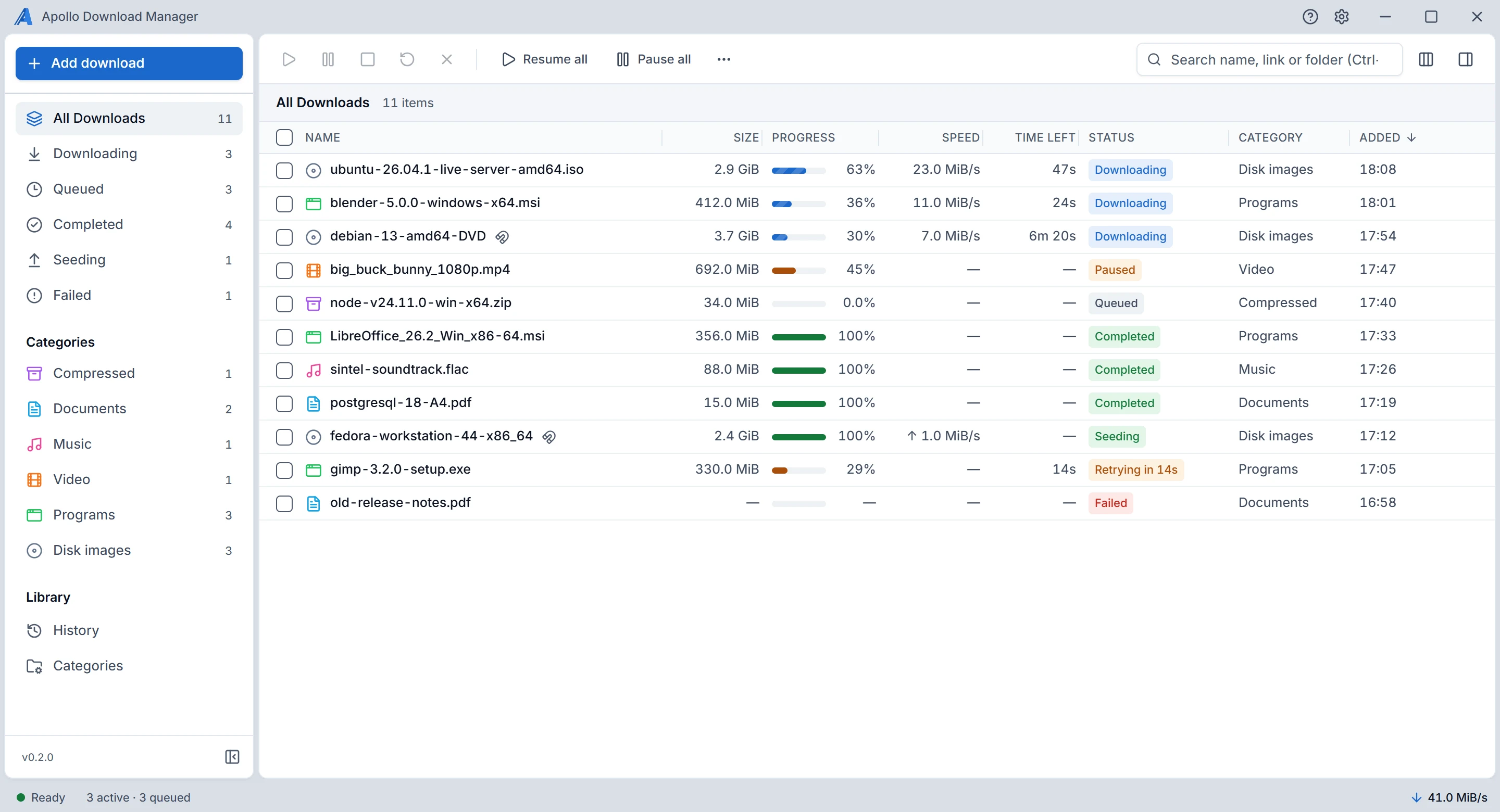
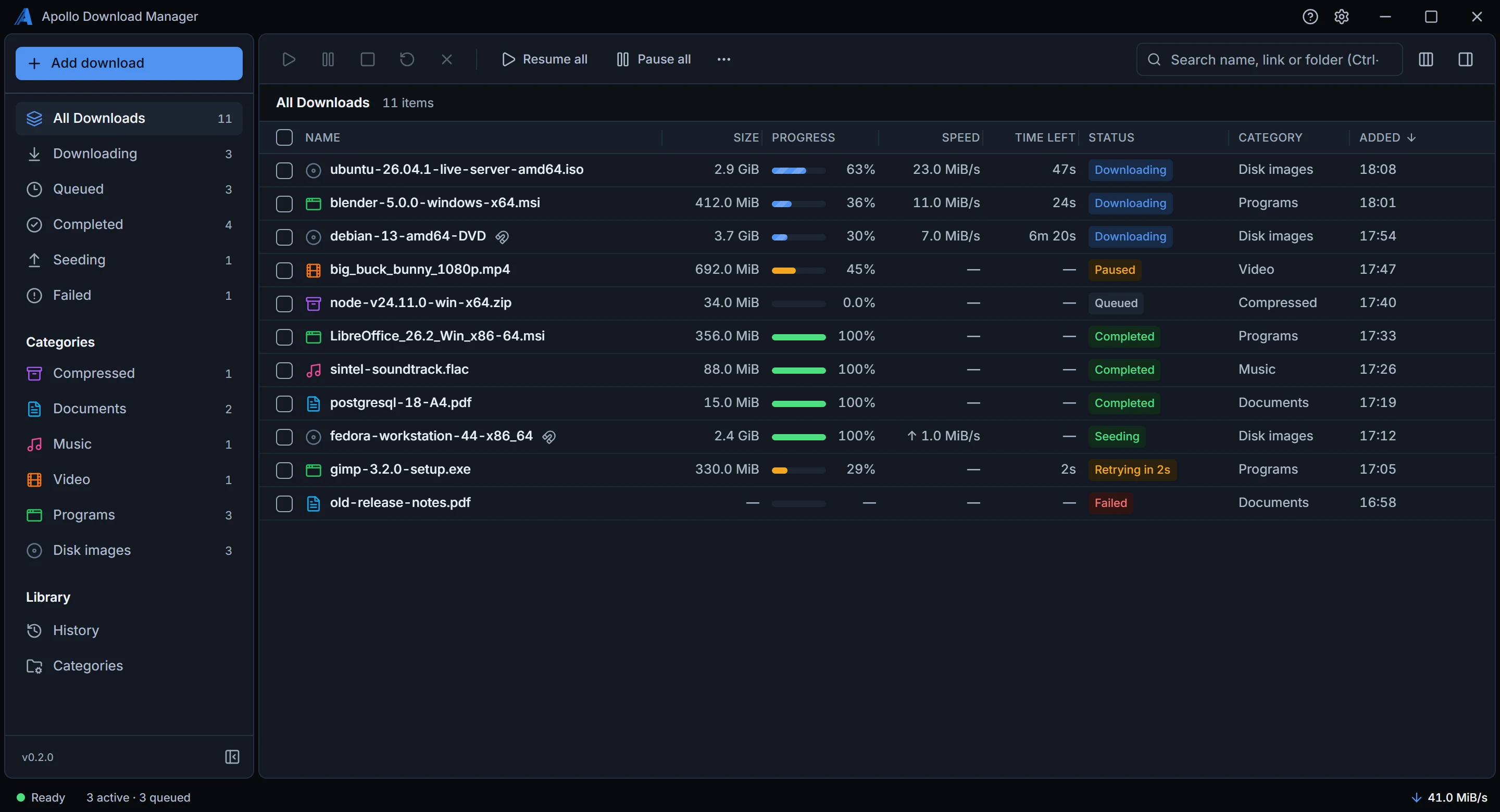
Picks up where it stopped. Resumes after a break, once it has checked the file hasn't changed.
Several connections over HTTP and HTTPS. Up to 8 per file, kept only while they make it faster.
Torrents built in. Magnet links and
.torrentfiles, with seeding.Tells you why. When a download waits or fails, it says so in plain words.
What it does
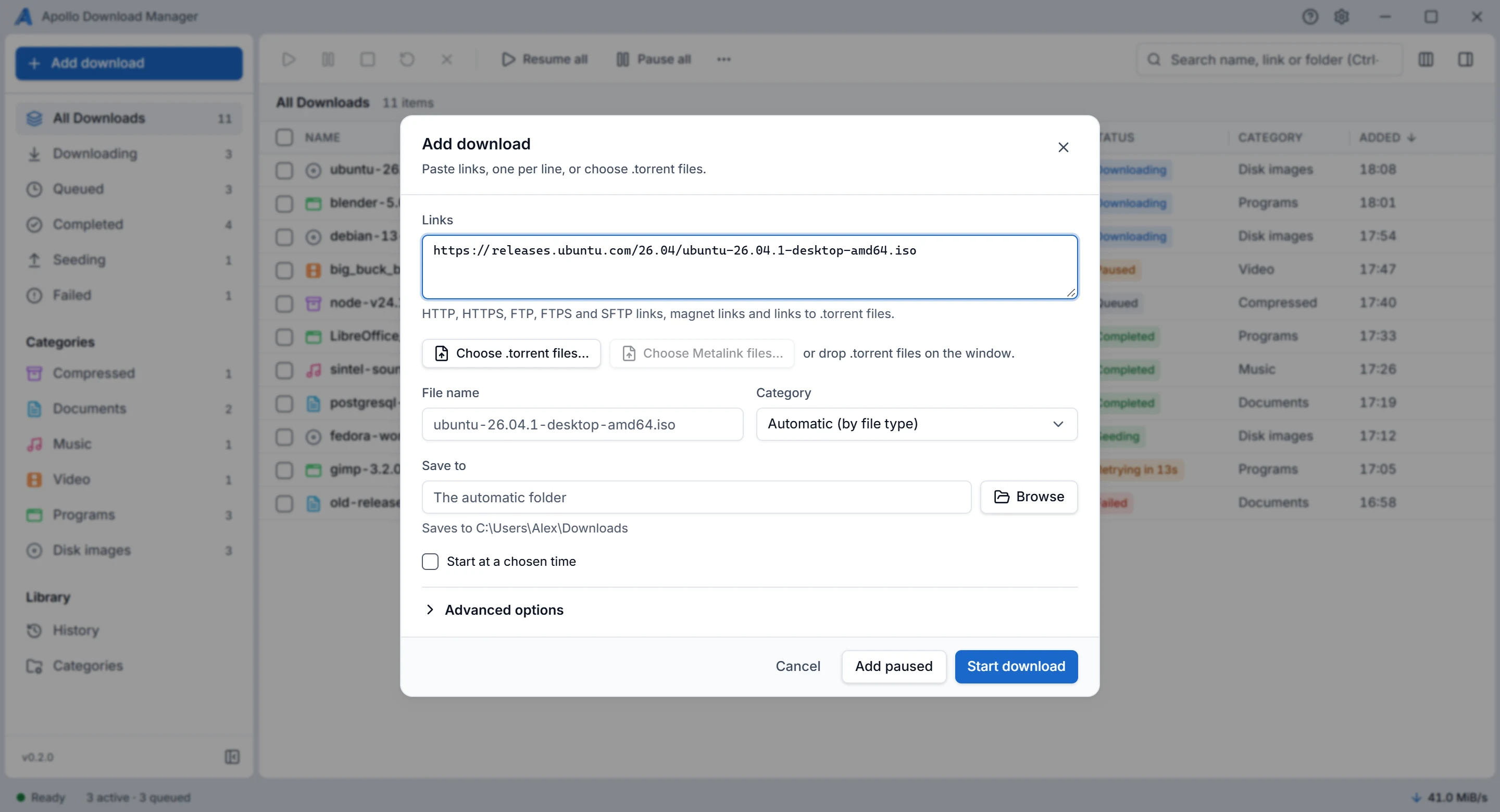
Add one link, or five hundred
Paste links, one per line, or choose a .torrent file. You see the file name, category and folder before anything starts.
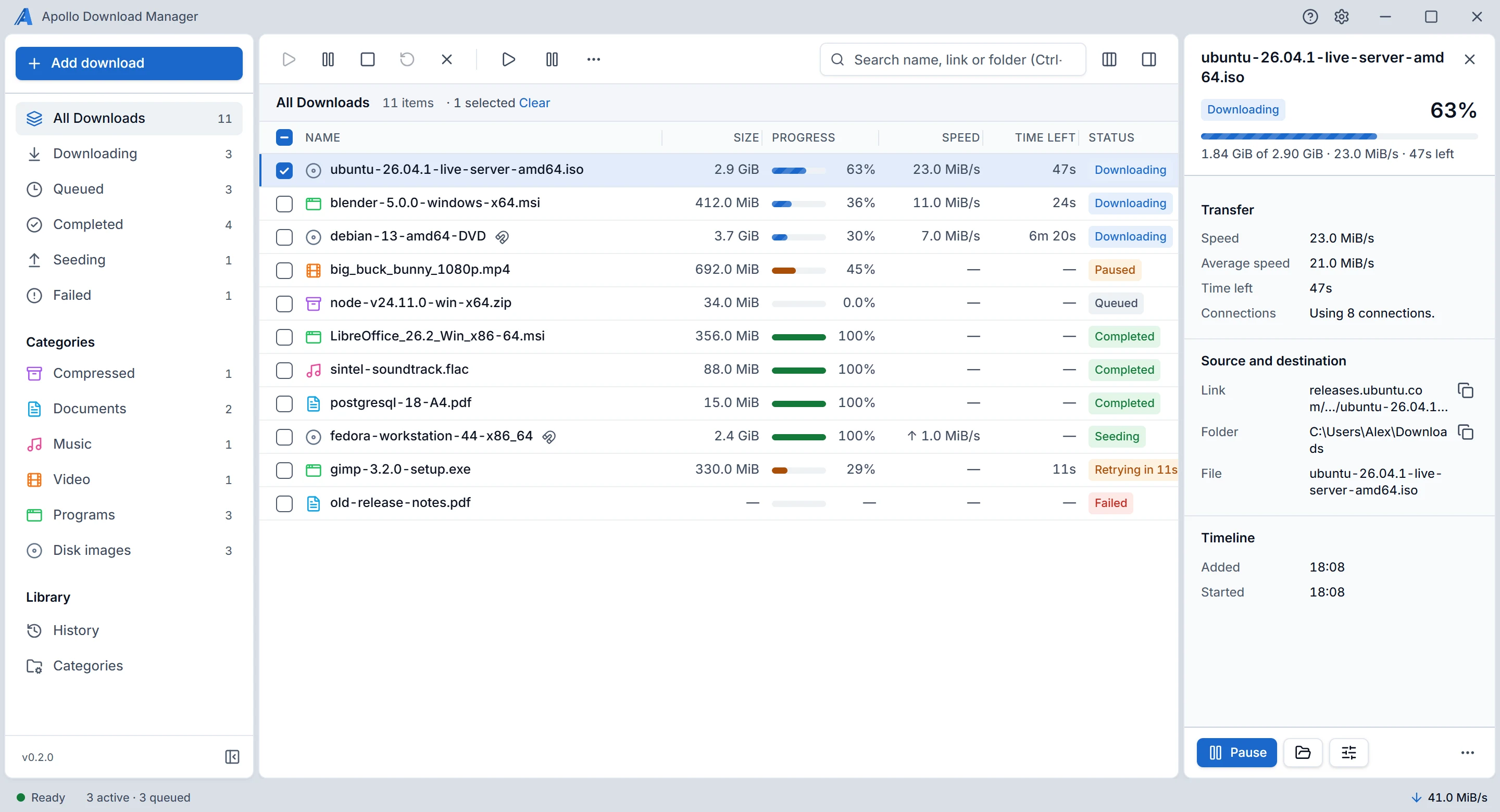
See what each download is doing
Speed, time left and connections for every file. When one waits or fails, it tells you why in plain words.
Files sort themselves
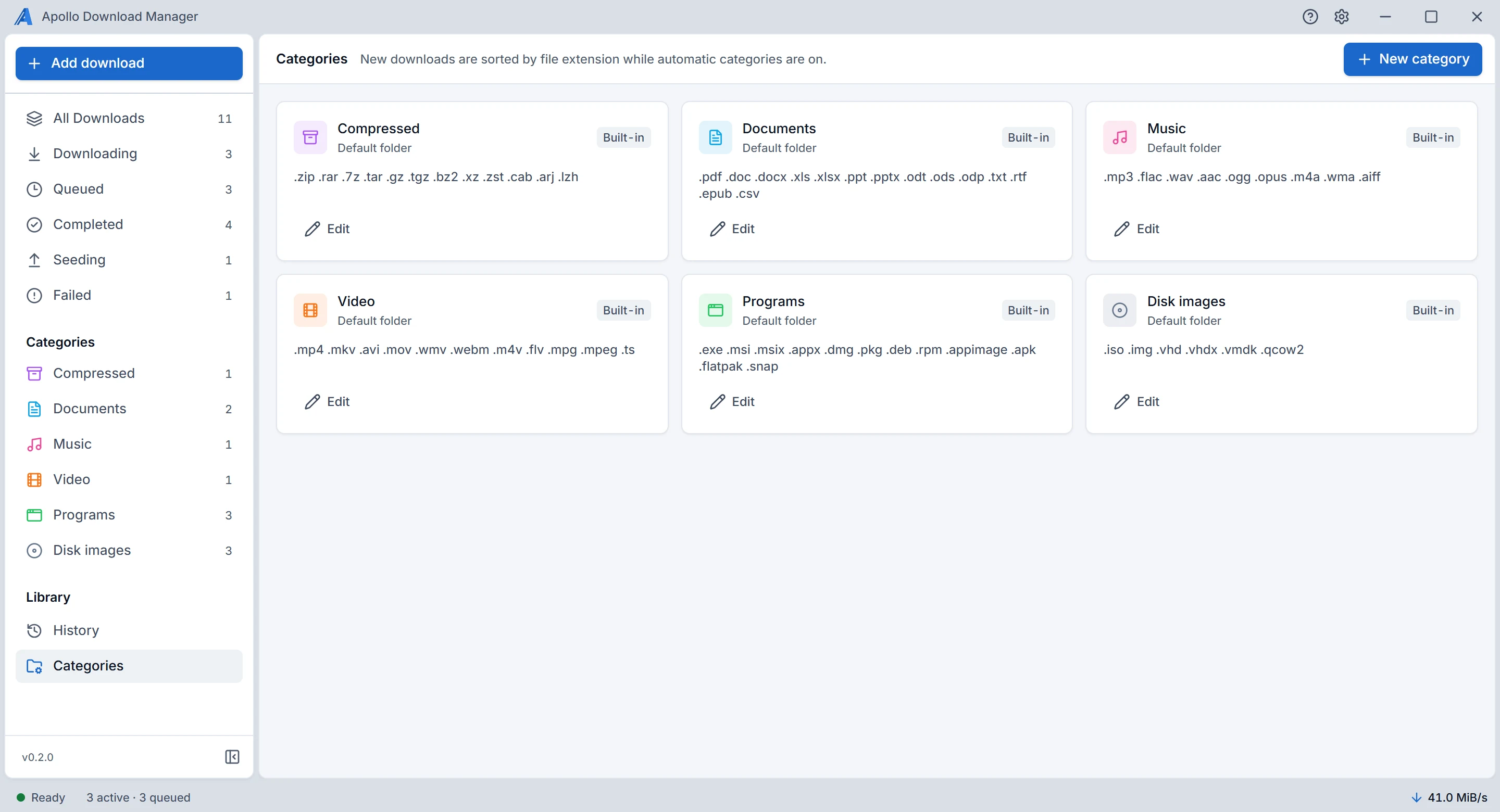
Six built-in categories go by file type, and each can have its own folder. Add your own, with your own file types.
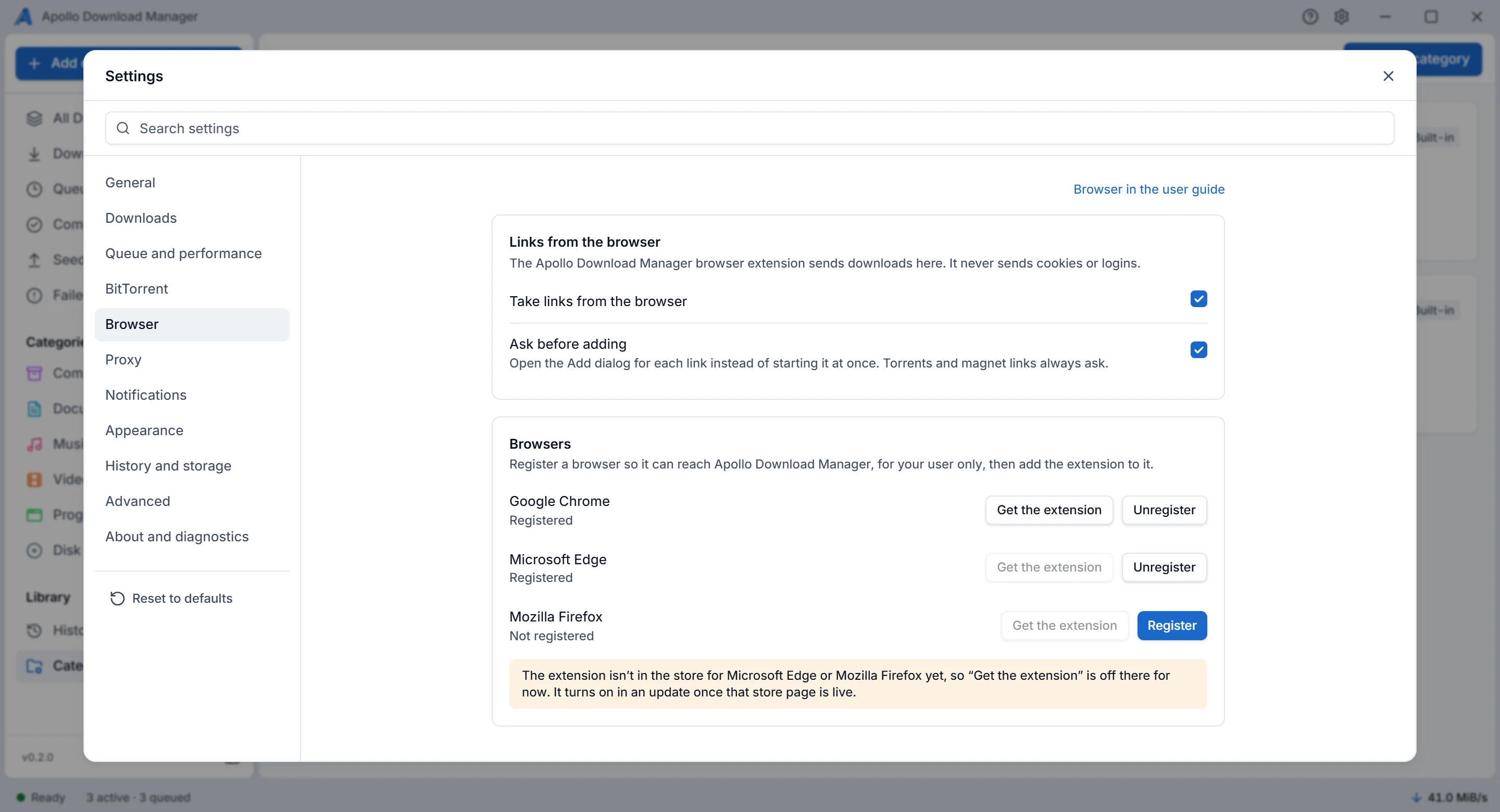
Takes over from your browser
Register Chrome, Edge, Brave or Firefox, and the extension sends downloads to the app. The extension isn't in the browser stores yet.
What it downloads
| Links | Connections per file | Resumes | Logins |
|---|---|---|---|
http://, https:// | Up to 8 by default, kept only while they make it faster | Yes, after checking the file hasn't changed | Password, custom headers |
ftp://, ftps:// | One | Yes, after checking the file hasn't changed | Password |
sftp:// | One | Yes, after checking the file hasn't changed | Password, SSH key |
Magnet links, .torrent | As many peers as it finds | Yes | None needed |
Metalink files work too, once they're turned on in Settings. Logins, custom headers and SSH keys stay out of its database and logs.
See every screen before you install
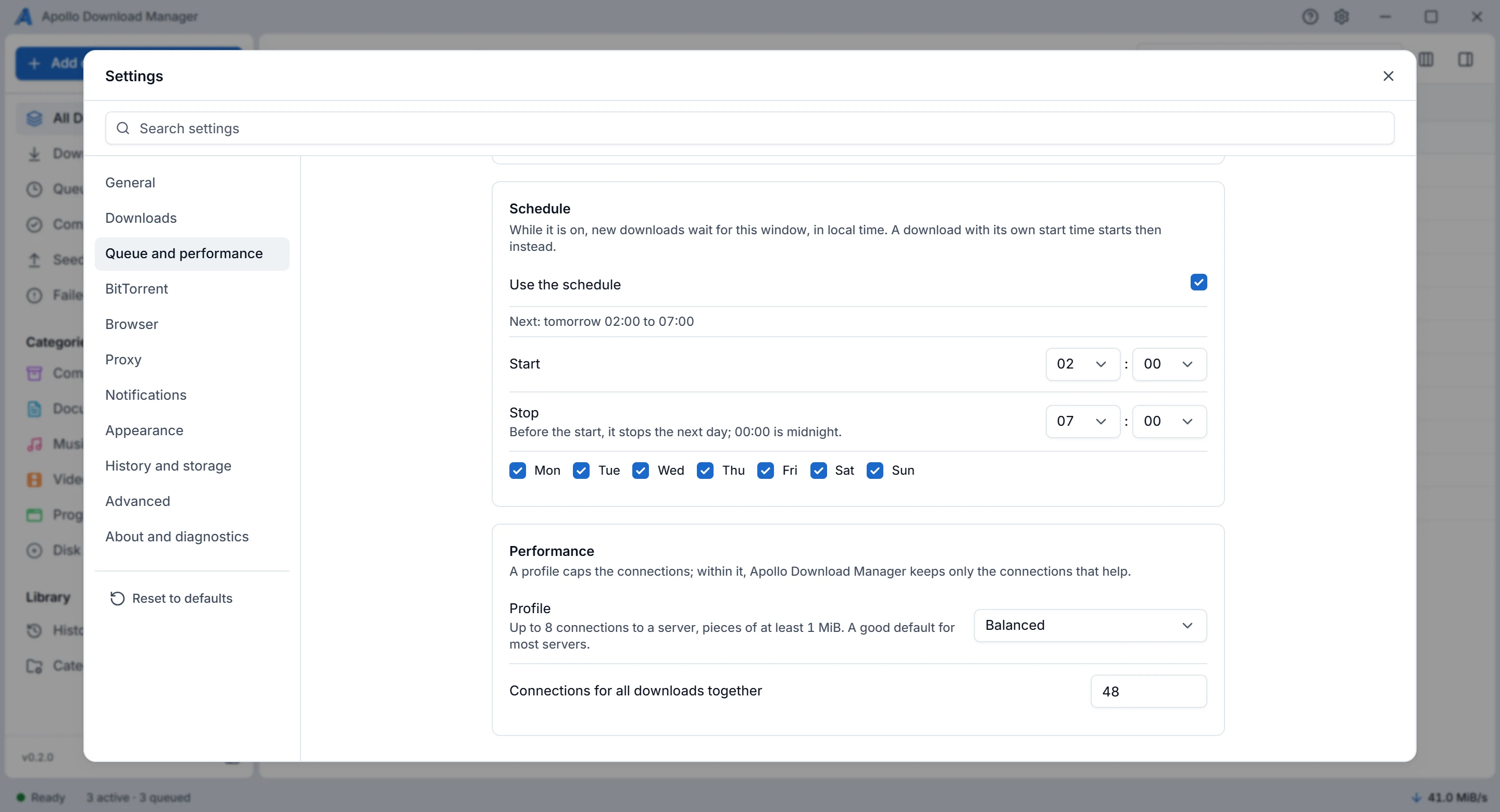
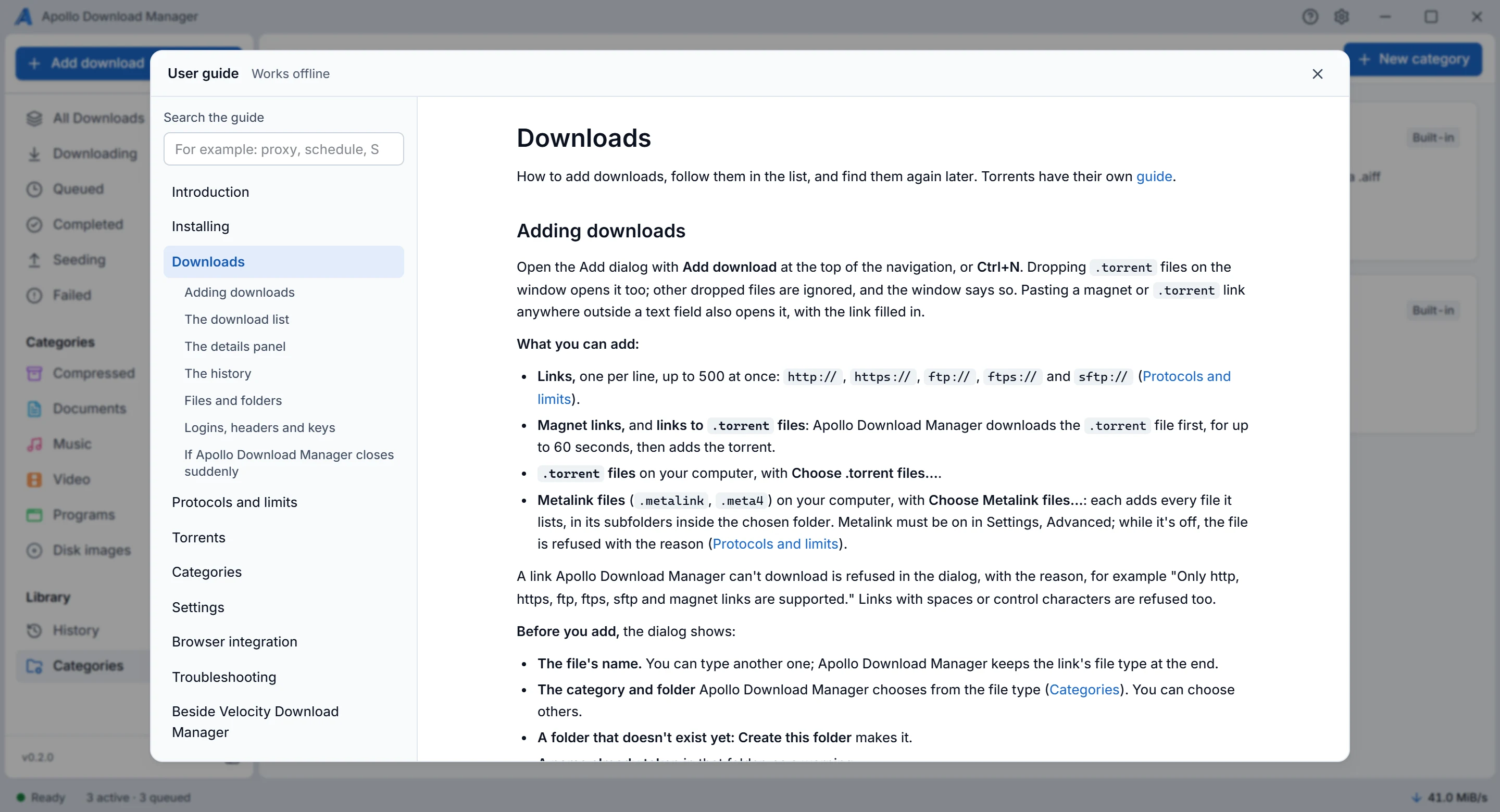
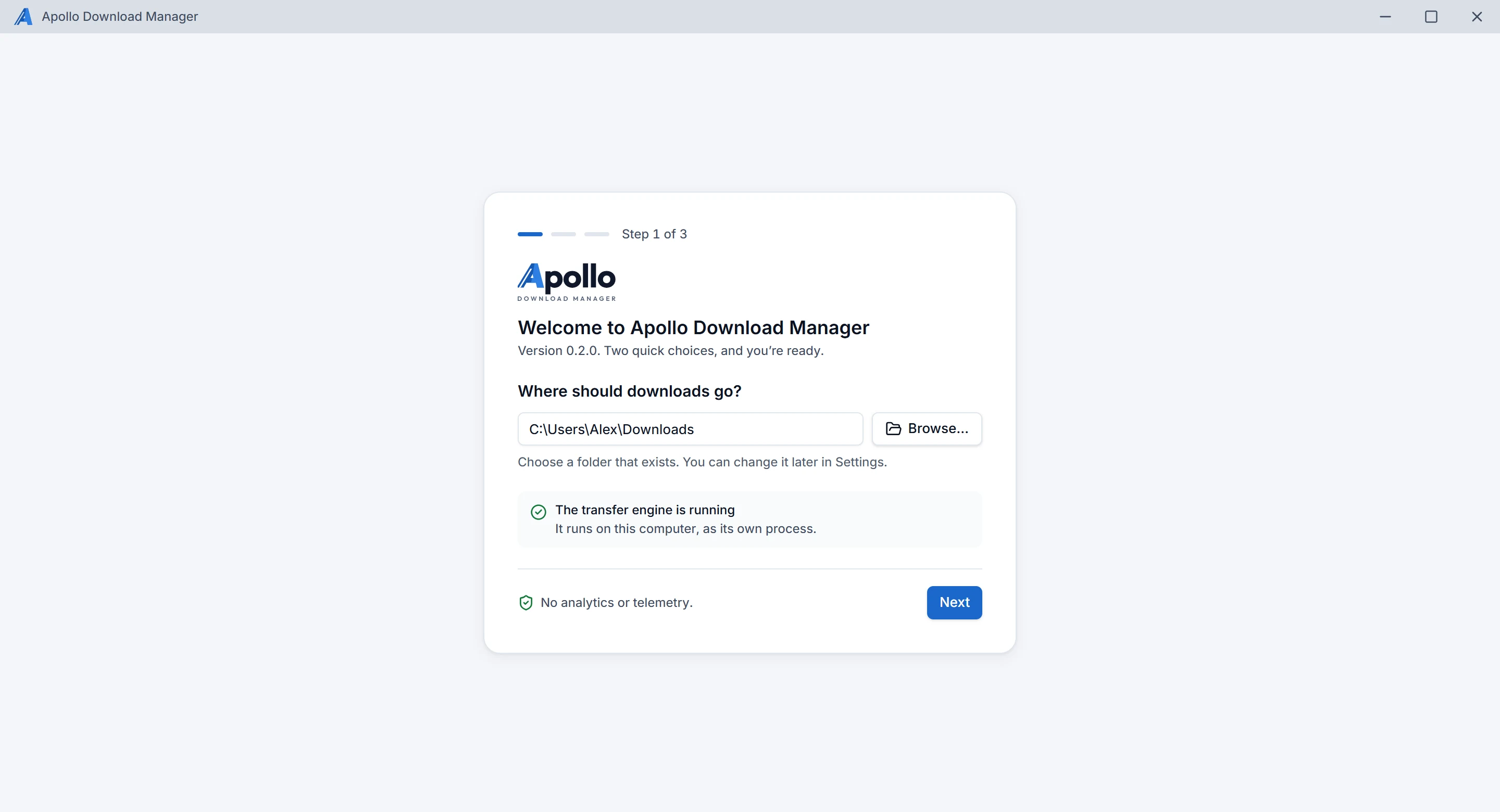
The real app, with example downloads.
Private by design
No telemetry and no analytics. It connects only to the servers you download from. What it keeps, and where.
Free software
Under the GNU General Public License, version 3. The source code is on GitHub.
Still in development
The downloads are test builds, made by the project's CI and not yet signed. The user guide says what this version does.
Runs on Windows and Linux
Windows 10 and 11, 64-bit. Ubuntu 22.04 and newer, Debian 12 and newer, Fedora and openSUSE.